
Work & office
For professional use
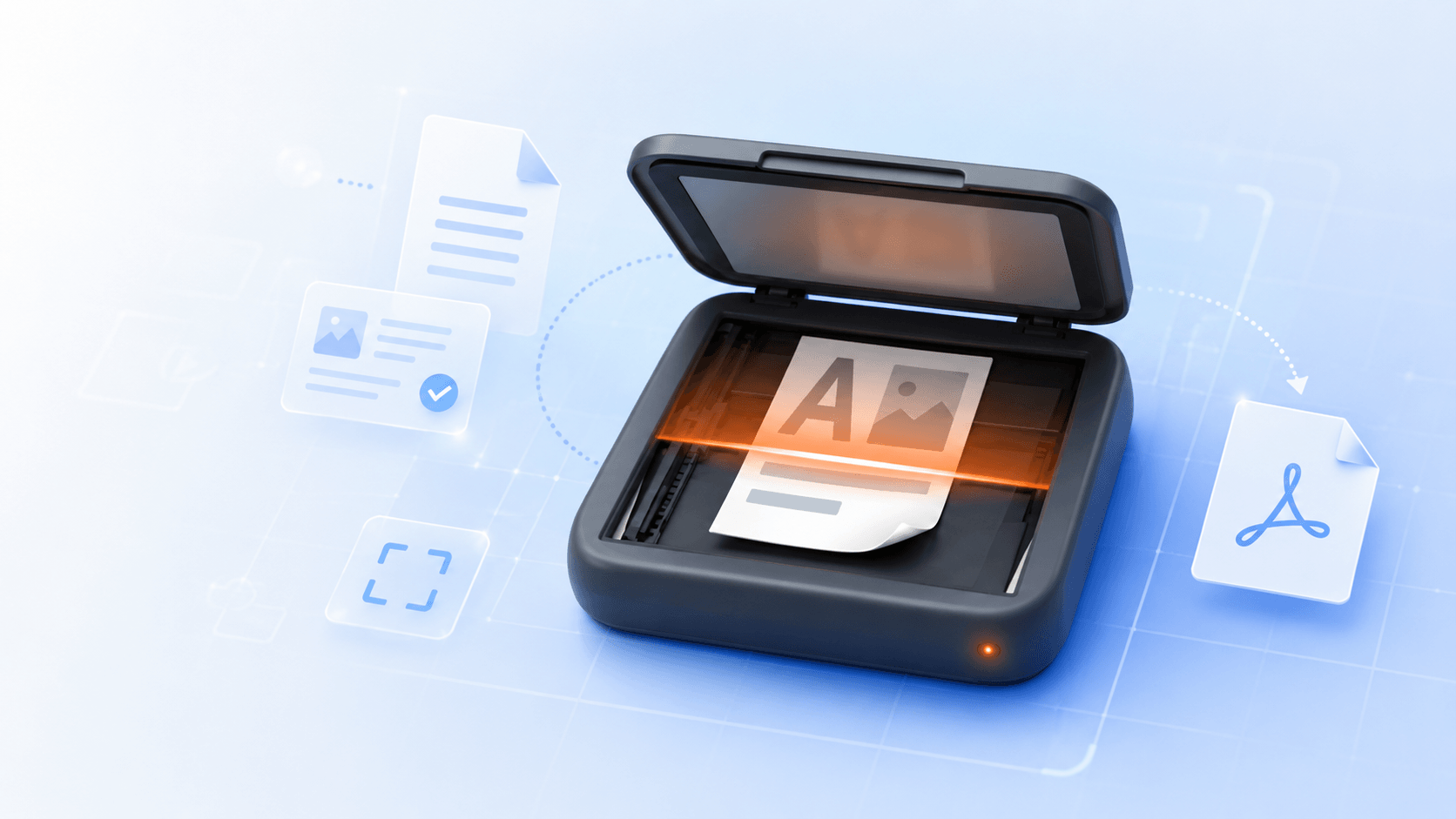
Scan contracts, invoices, reports, forms, and client documents. Sign, export, and send polished PDFs in minutes.
Capture receipts, IDs, books, notes and more with automatic edge detection and perspective correction.
Organize data with folders, quickly find files with search, rename them easily, and protect sensitive information with passwords.
Enhance text, remove shadows, clean up backgrounds, and improve readability automatically.
Copy text from scans, search and share content with other apps instantly.
Reorder pages, add text, highlight important details, fill forms, and sign documents with ease.
Save as PDF or JPG, print or share instantly via cloud services (Dropbox, iCloud, Google Drive, and OneDrive).
Fix pages, add details, sign, and create polished PDFs without opening a desktop editor or any other app.
Reorder, rotate, delete sheets or add a new page.
Insert text, images, timestamps, signatures, watermarks, marks, and notes.
Merge records, split page content, and prepare files for export.
Add text, checkmarks, signatures, and annotations directly to your pages.
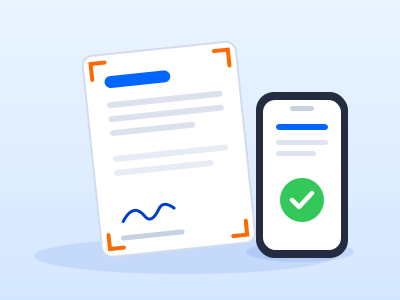
Scan contracts, invoices, reports, forms, and client documents. Sign, export, and send polished PDFs in minutes.

Turn notes, book pages, handouts, and whiteboards into readable PDFs that you can save and share.

Keep IDs, passports, insurance, tax papers, warranties, and other important records in one place.
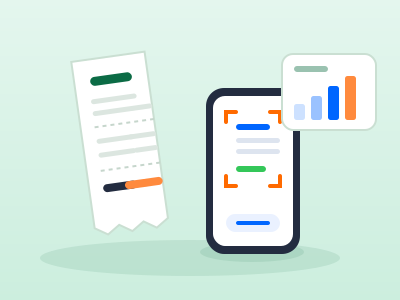
Save receipts, scan expenses, prepare client account details, and send files.
ScanChamp is built for personal and work documents that may contain sensitive information. Protect files, control sharing, and decide where your documents are stored.
Lock important data and folders when you need extra privacy.
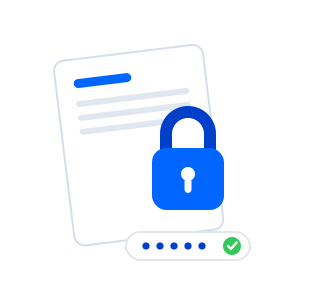
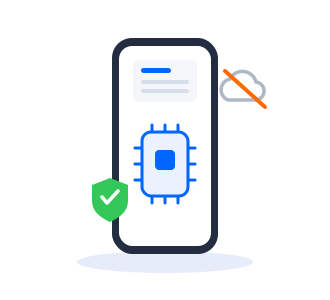
Scanning, editing, and image enhancement happen directly on your device. Your records are never uploaded unless you choose to sync or share them.